How to Fix PVZ Fusion Not Working or Crashing Issues?
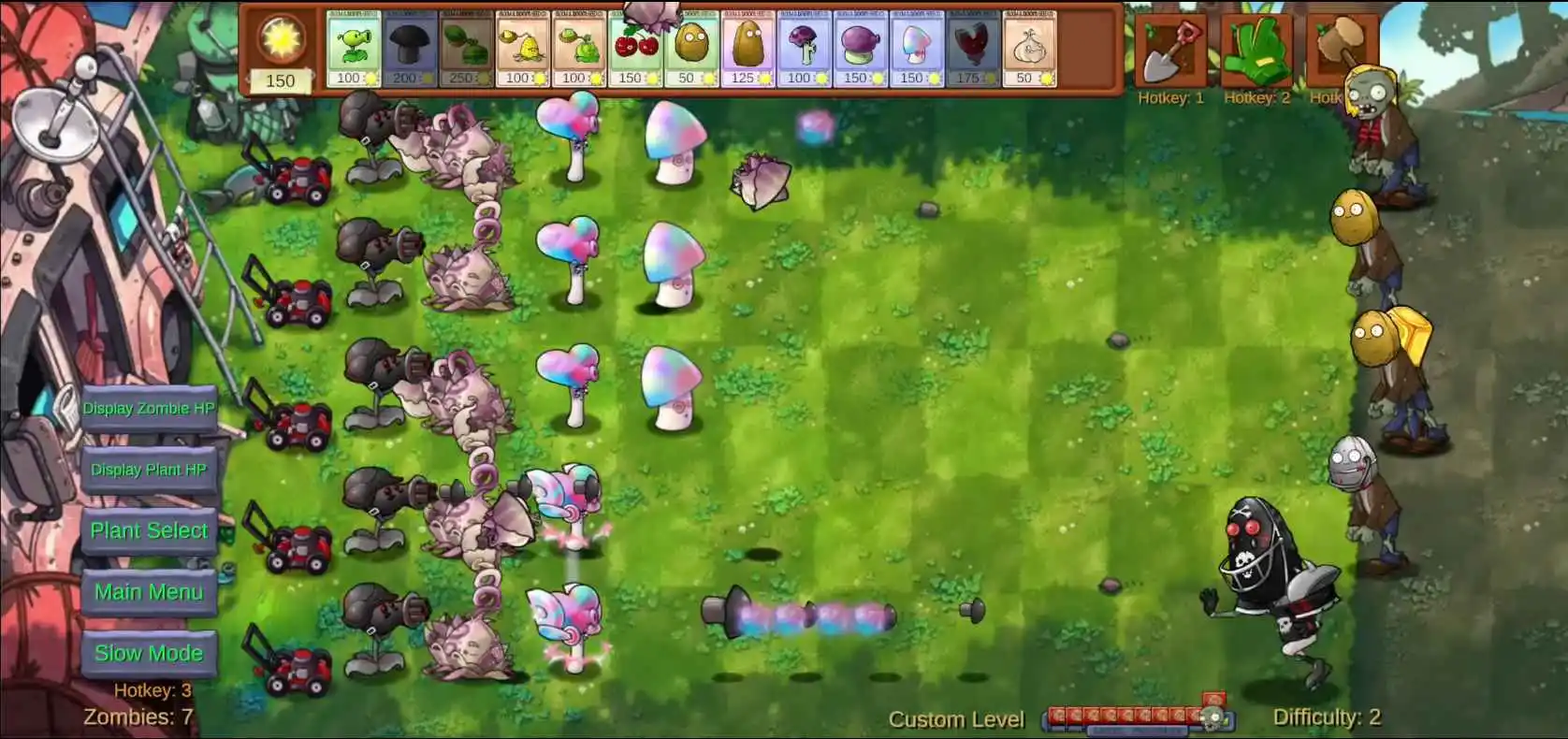
PVZ Fusion is the modded version of the game’s official classic franchise, offering a totally new gameplay mechanism. It is based on a private server environment providing the same user interface but with many additions of new elements, levels, modes, and many more. However, if you’re dealing with issues such as lags, crashes, or are unable to start a match, then don’t be worried, as this guide will show you the effective solutions to tackle numerous issues within this game and fix them for a better gaming experience.
Why PVZ Fusion Might Stop Working
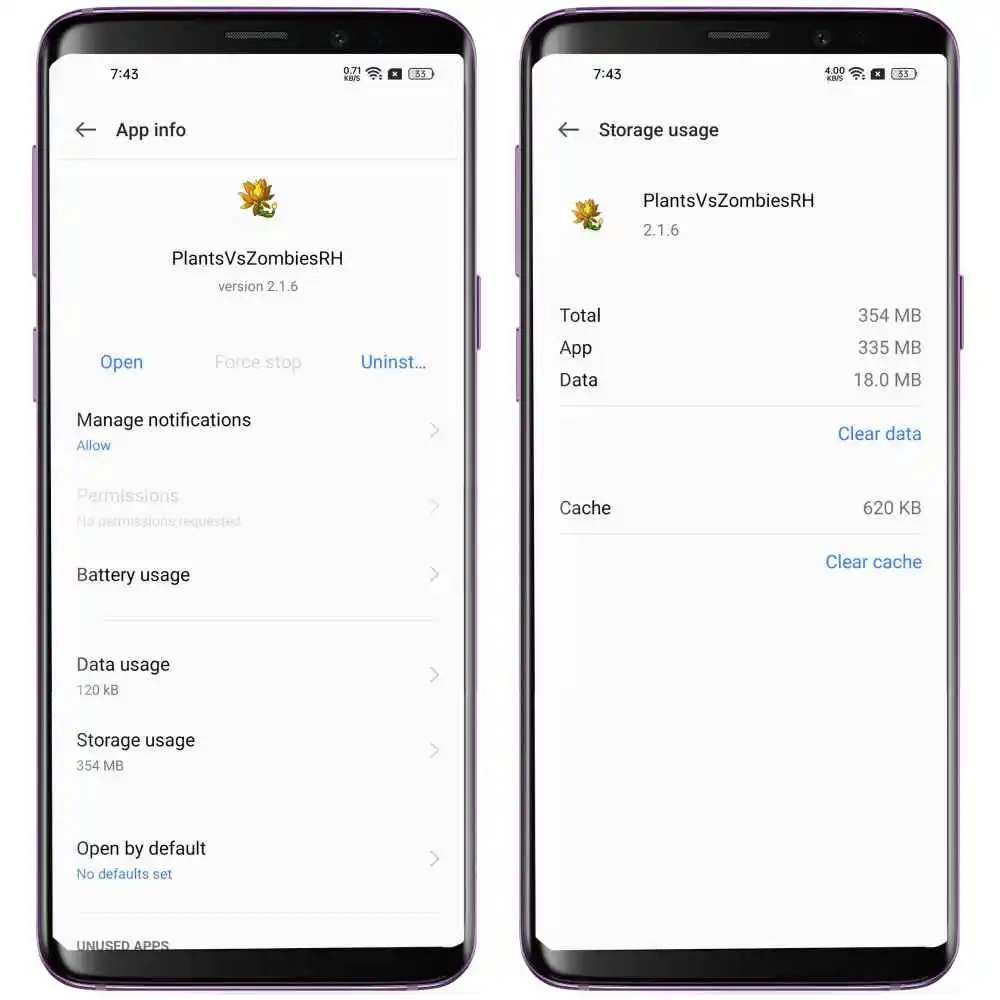
Clear App Cache and Data to Fix Game Freezes
Always remember to clear the app cache to run the game smoothly. Clearing the data and cache of the game wipes all the store data and may fix a crashing issue. Though clearing app data might result in deleting your app’s files from your account, it is advised to clear the app cache, not the data.
Go to the Android app settings and clear cache. You might notice a ridiculous amount of cache if you have never done the process before. The cache gets stored due to the game wrongly saving all the ad content under its data rather than its cache. After clearing the cache, you can relaunch the app again and now the game will work smoothly on your device.
How to Update PVZ Fusion Without Losing Your Game Progress
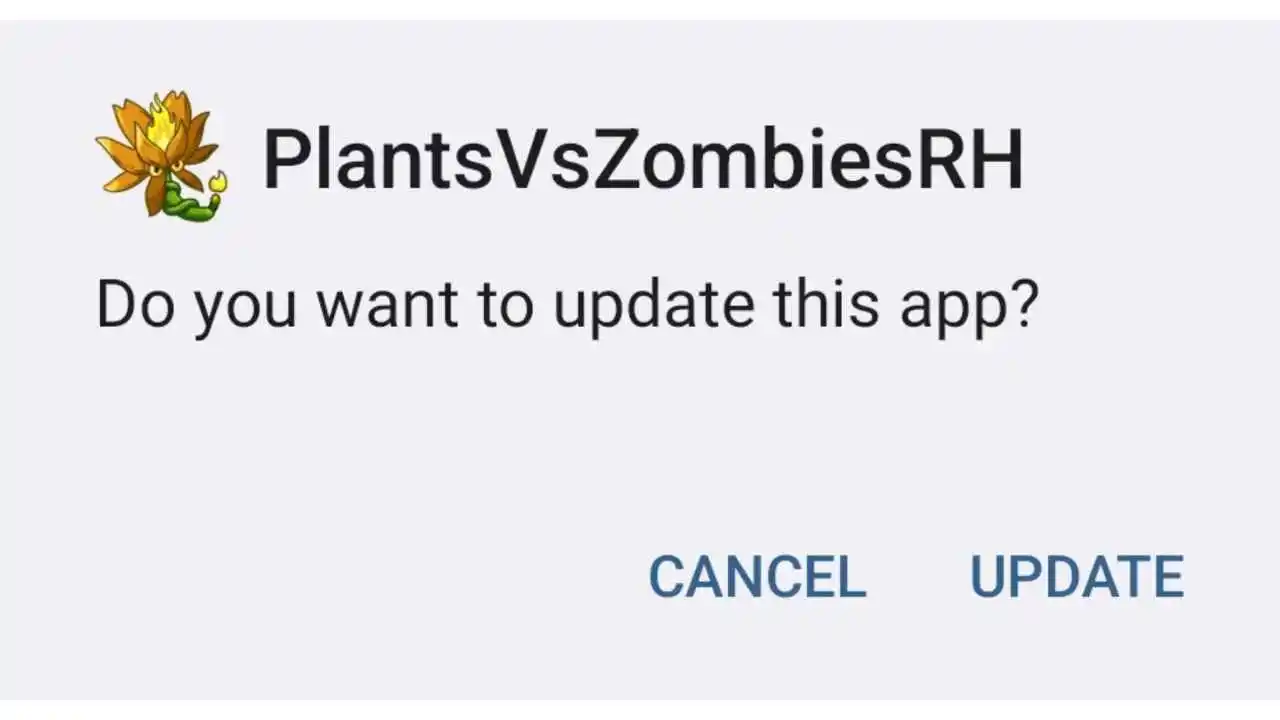
Updating PvZ Fusion is easier than you think, and players usually do it most of the time with new versions. Updates are the lifeblood of the game, creating an essential experience in gaining quality in one way or another. Updates fix buggy problems, give you new plants, zombies, different game modes, and get rid of performance issues for smooth and fast gameplay. Even as your device’s software gets updates, staying updated helps the software for PvZ Fusion stay one step ahead of the updates, reducing the risk of crashing or lagging during a ferocious fight against the zombies.
To update the game without losing your progress, you will have to manually back up your account of PvZ Fusion. This is suggested as because when you update the app, the data you manually backed up merges with the updated app. You can download the updates from the official website of PvZ Fusion (Tthepvzfusion.net). It is also advised not to uninstall the old version. Once you have downloaded the updated version of the app, click on install and update it on top of the old version. This process does not take away your game progress and you can enjoy the updated game with your old data smoothly.
How to Fix PVZ Fusion Stuck on Loading Screen
1. Use VPN: You can use a reliable VPN to play the game if the game is not working and keeps exiting. This happens when the game is region-locked, and you cannot access the game, or the game gets stuck on the loading screen. The VPN reroutes your location to a different region and helps you access the game. To access the game from a different region, you might have to clear the data, and you can easily play the game. The VPN also helps you with network connectivity issues and makes your game smoother to play on your device.
2. Try the Global Version instead of the Chinese Version: If the Chinese version of the game doesn’t work well, you can download the International version too. Although the Chinese version has technically more content than the International version, the Chinese version still has some issues, as it is different from the International version of the game. The Chinese version has some unbalanced gameplay, but the international version fulfills the need for gameplay better.
3. Make sure to download the game from a trusted source: Always download the game from a trusted developer, as the PvZ Fusion game is from a third-party source, and there are a lot of duplicates going around on the internet. You can download the game from GitHub, or you can just go to the official website of PvZ Fusion to download the game.
4. Disable Battery Saver To Avoid Lags & Performance Issues: Enabling battery saver on your device might cause the game to lag. Battery Saver reduces system performance to extend its battery life; while this feature can help you preserve battery life, it does hurt the overall performance. Disabling battery saver ensures the game uses maximum available performance to run the game smoothly.
5. Use an Older Version If the Latest One Has Bugs: If the latest version of the game you have downloaded contains bugs or glitches and is not compatible with your Android device, then you can always rever back to the older versions of the game, as the old versions which you have played mmay be compatible with your device better than the new version of the game. This way you don’t have to change the device if the new version of the game.
How to Run PVZ Fusion Smoothly on Low-End Devices
- Reduce Background Running Apps: Background apps can also have a negative impact on your device’s battery life. While the feature can be useful it can drain and reduce your battery life, resulting in performance issues while playing the game. So, when you play PvZ Fusion on your device, reduce the background running apps on your device, which will result in smooth and seamless gameplay.
- Insufficient RAM or GPU Power: If you are failing to meet the frame rate targets or if the game is stuck with non-describable graphics, then it’s pretty sure that the device’s GPU is simply failing to keep up with the loads you’re putting on it. The solution is to increase the processing power of the GPU, which will help you run the game smoothly. The other most common issue is when the device doesn’t have sufficient RAM memory, as insufficient RAM increases the chance of the game crashing or being shut down by the device’s operating system.
- Try Game Booster Mode (If Available on your phone): If you have Game Booster Mode on your device, then you can try it out while playing the game. Game Boosters are like performance enhancers that feed your device what it needs to run the game smoothly by clearing the extra resources that other apps are using on your device. The boosters reduce lag, boost your game FPS, close unnecessary background tasks, and prevent your device from overheating while playing the game.
Final Verdict
PvZ Fusion is one of the best games out there, and you can download the latest update from Thepvzfusion.net, where the developers provide official, trusted download links. The game gives you the vibes of the original PvZ with new features and enhanced graphics and gameplay, but like any other app, it can sometimes present you with technical challenges. But by keeping the notes of the above tips in your mind, you can easily resolve issues like updates and lags. Understanding the issues and their solutions may also help you improve your gaming brain and you can enjoy the smoothness of the game more.